
In certain situations if you do not want to send a payment request automatically, then the Stripe Payment Links can be sent manually from the following Sales Documents (Sales Quotes, Sale Orders, Sales Invoices, Posted Sales Invoices)
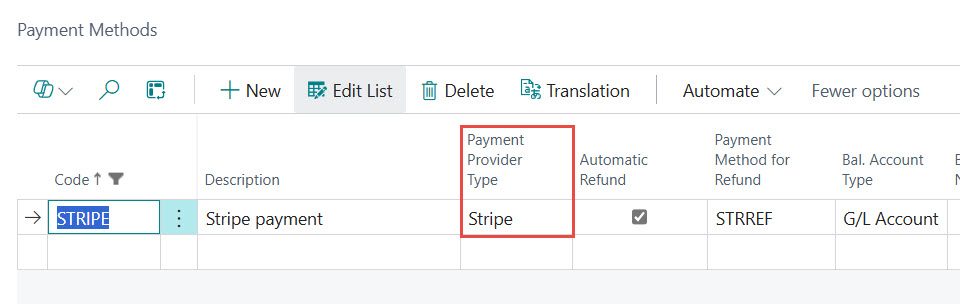
The only condition for sending is set the appropriate Payment Method where the Payment Provider is Stripe.
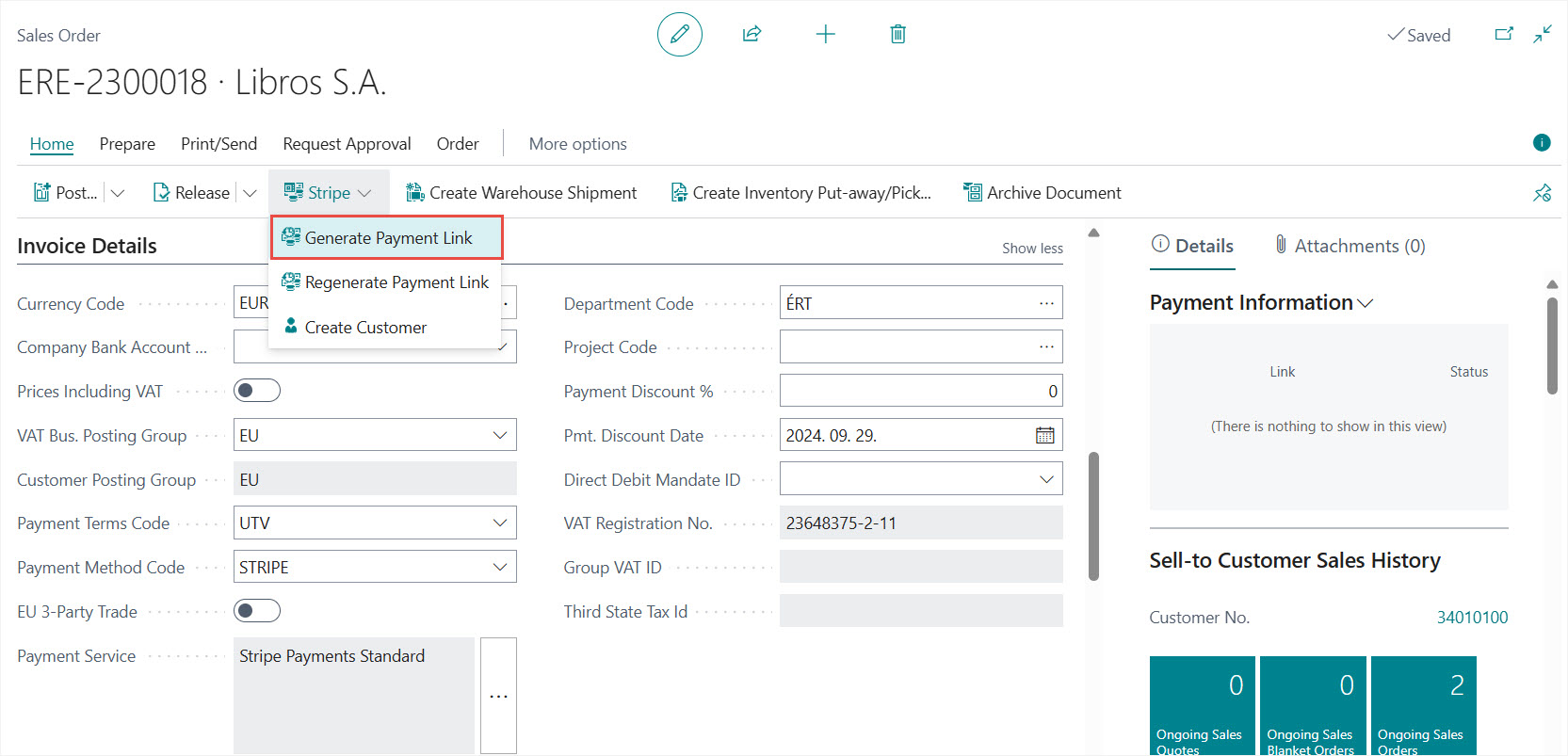
Release the Sales Document and then select the Stripe>Generate Payment Link action for creating and sending the Stripe Payment Link
The rest of the process is the same as we described in the Sending Stripe Payment Links Automatically section.
Iratkozzon fel hírlevelünkre
Büszkék vagyunk, hogy velük dolgozhatunk


 2089 Telki, Öreghegyi út 31/A
 +36 30 502 0648