
Stripe Payment Links can be sent automatically when a Sales Document (Sales Quote, Sale Orders, Sales Invoice) status is set to Released and the applied Payment Term is set for automation and the Generate Payment Link After Release is active in Stripe Setup.

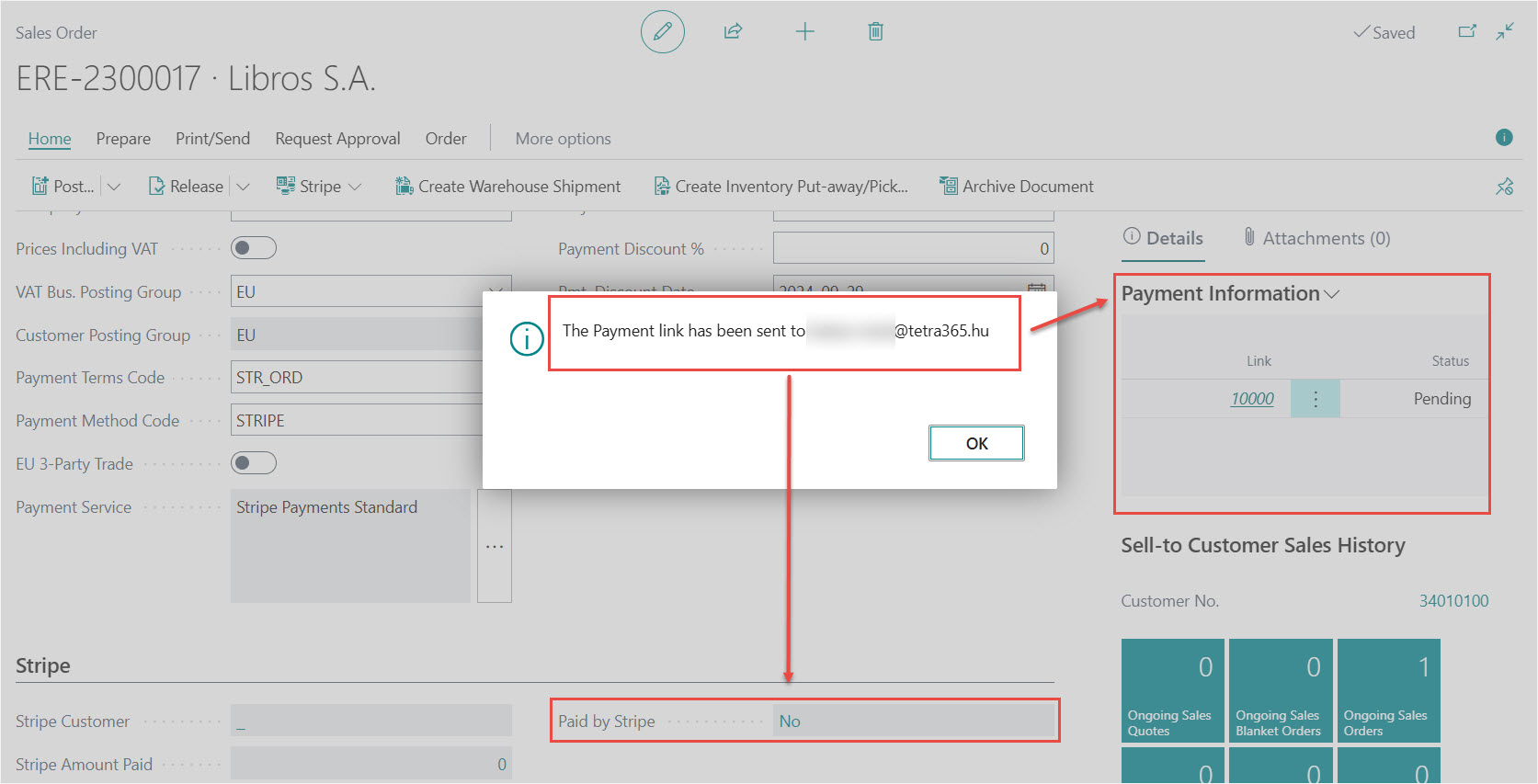
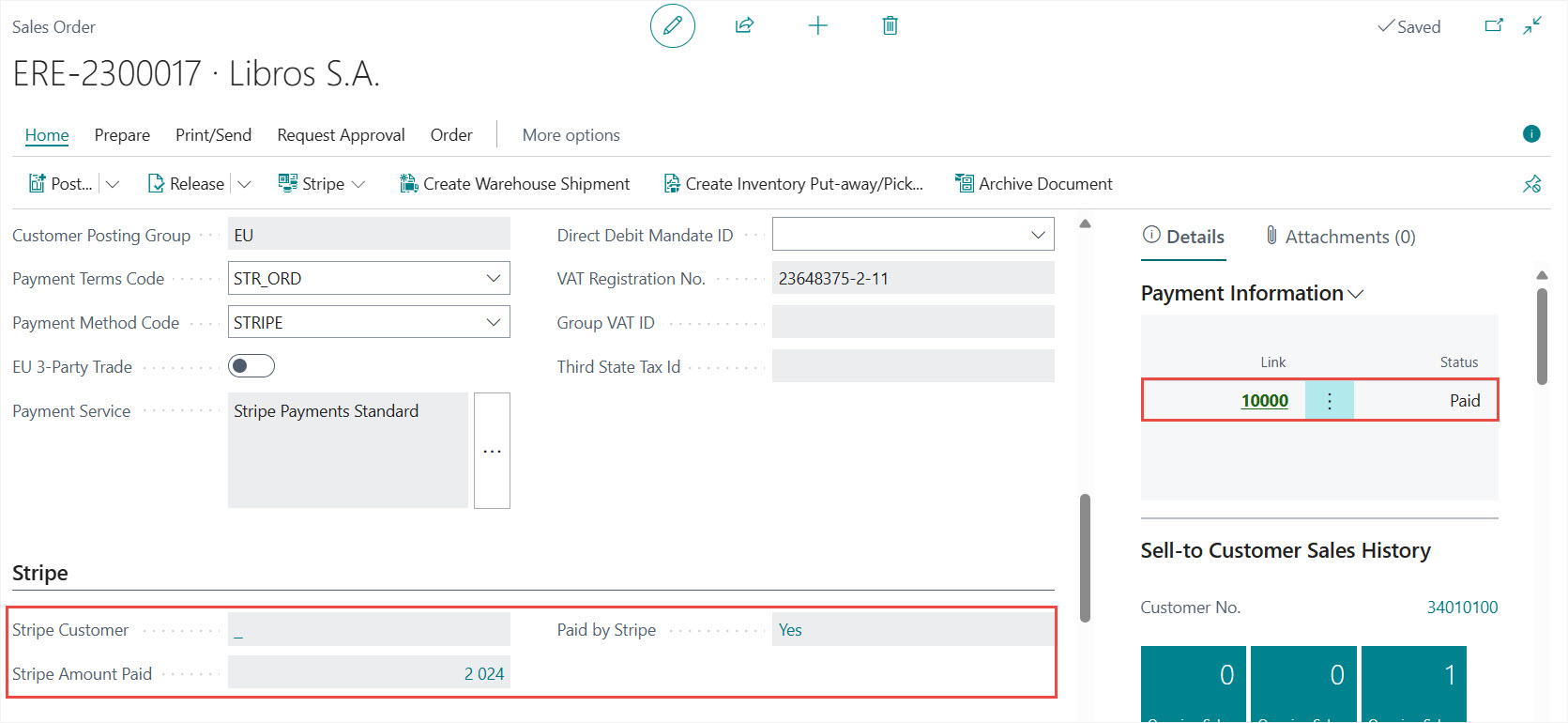
After successful sending a confirmation message will appear and the Payment Information FactBox and the Stripe FastTab also updated.
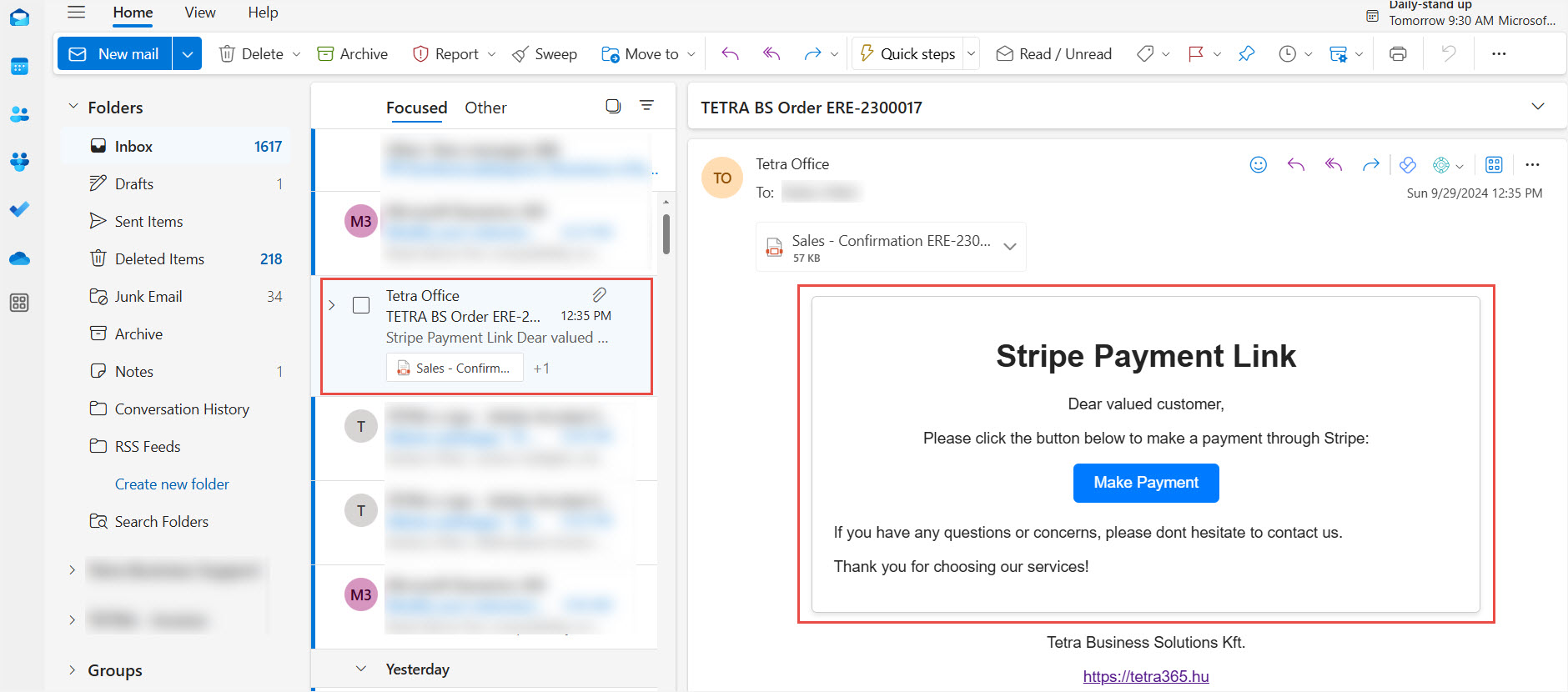
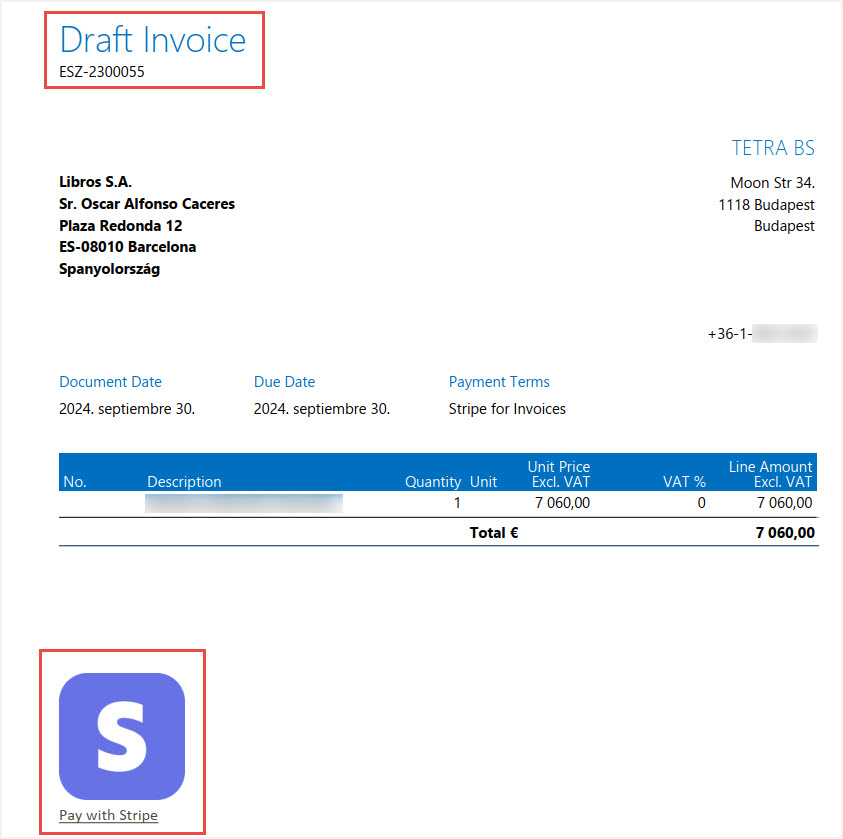
The Stripe Payment Link and attached sales document received in the email. The customer can check the details of the transaction and can start the payment process with clicking on the Make Payment link in the mail or on the draft invoice, then finalize the payment in Stripe.
Draft Invoice
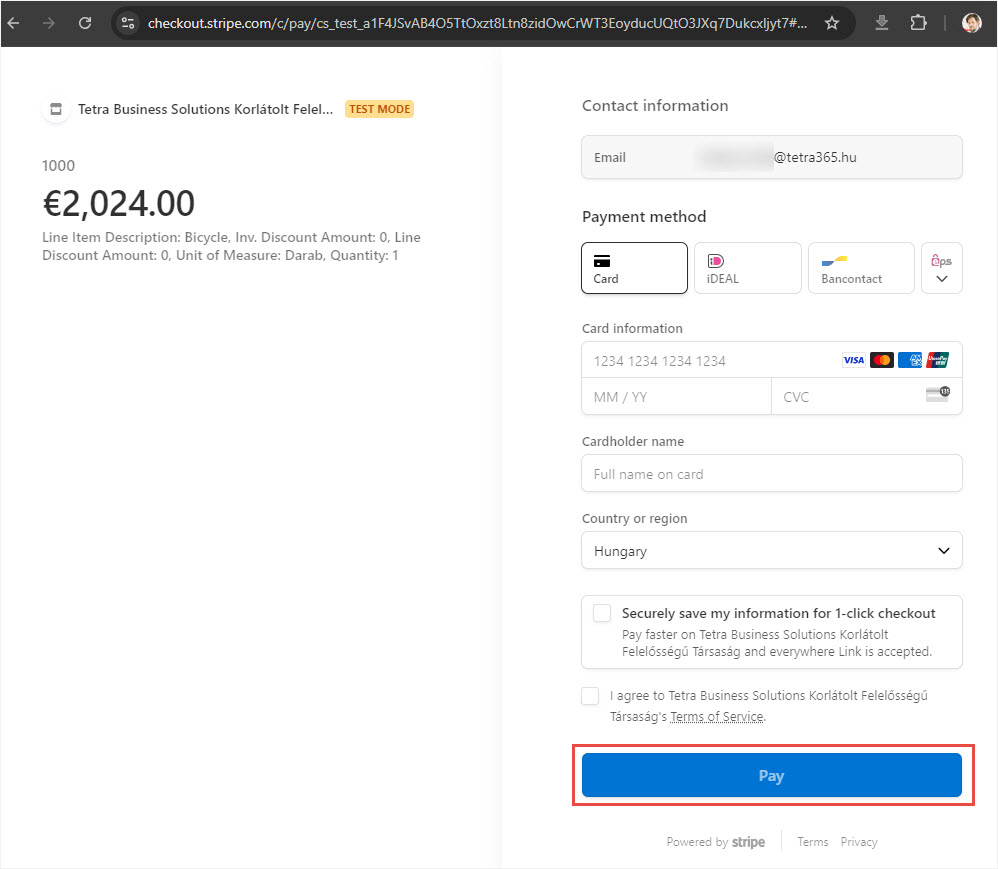
Stripe checkout page will appear and payment can be done.
Stripe Checkout Page
Payment Information is updated in Dynamics 365 Business Central (according to the Job Queue setup)
We are proud to work with them


 2089 Telki, Öreghegyi út 31/A Hungary
 +36 30 502 0648